


Templates
Members of the Saint Louis University community are invited to use SLU-branded documents and resources, including SLU PowerPoint presentations, Word templates and virtual meeting backgrounds.
SLU Letterhead
University letterhead features contact information on the left side of the page. Therefore, when printing on the letterhead we suggest you set your margins to:
Top margin: 1.6 inch
Bottom margin: 1 inch
Left margin: 2.25 inch
Right margin: .75 inch
You can download a Microsoft Word template with the preferred margins already set.
A digital letterhead file that can be personalized by the user with their contact information can be requested by emailing marcom@slu.edu.
Please note that university letterhead and business cards are reserved for the use of professional staff employed by the University only.
SLU Word Documents
Show your SLU pride when you write a report or other document with these Saint Louis University-branded Microsoft Word templates.
SLU PowerPoint Templates
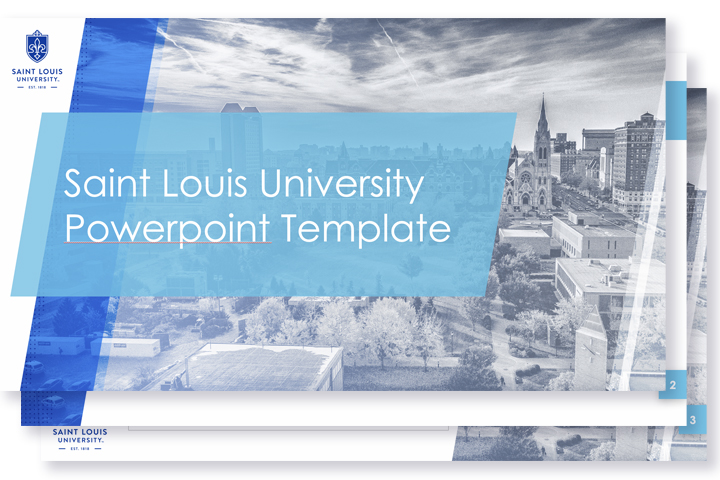
Doing a presentation about Saint Louis University? Choose one of these templates that reflect the SLU brand identity.
To view and edit the slide master, open the presentations using the desktop version of PowerPoint and save to your drive.
Download PowerPoint Template: Accessible SLU

Download PowerPoint Template: Aerial SLU
Virtual Meeting Backgrounds
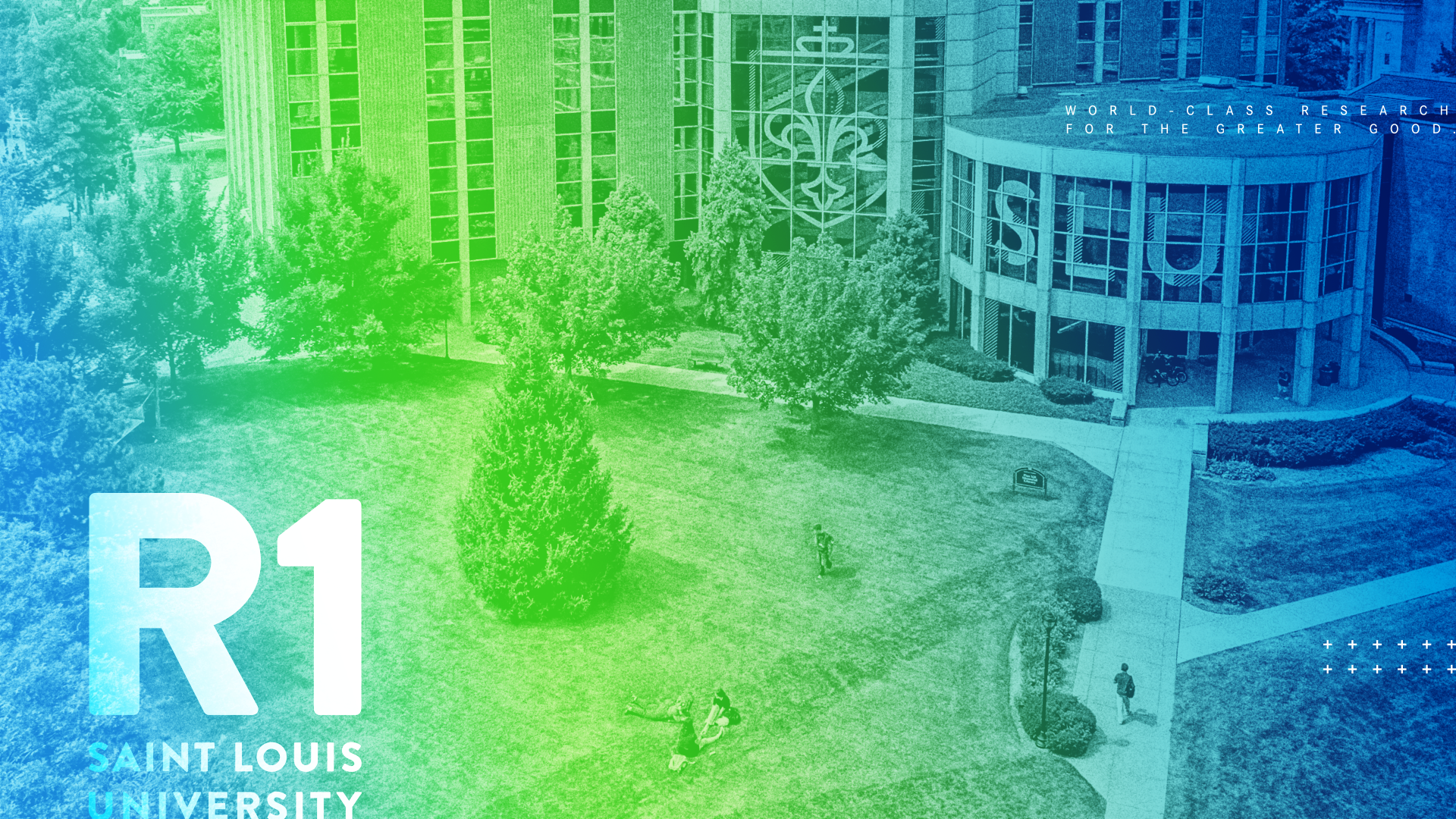
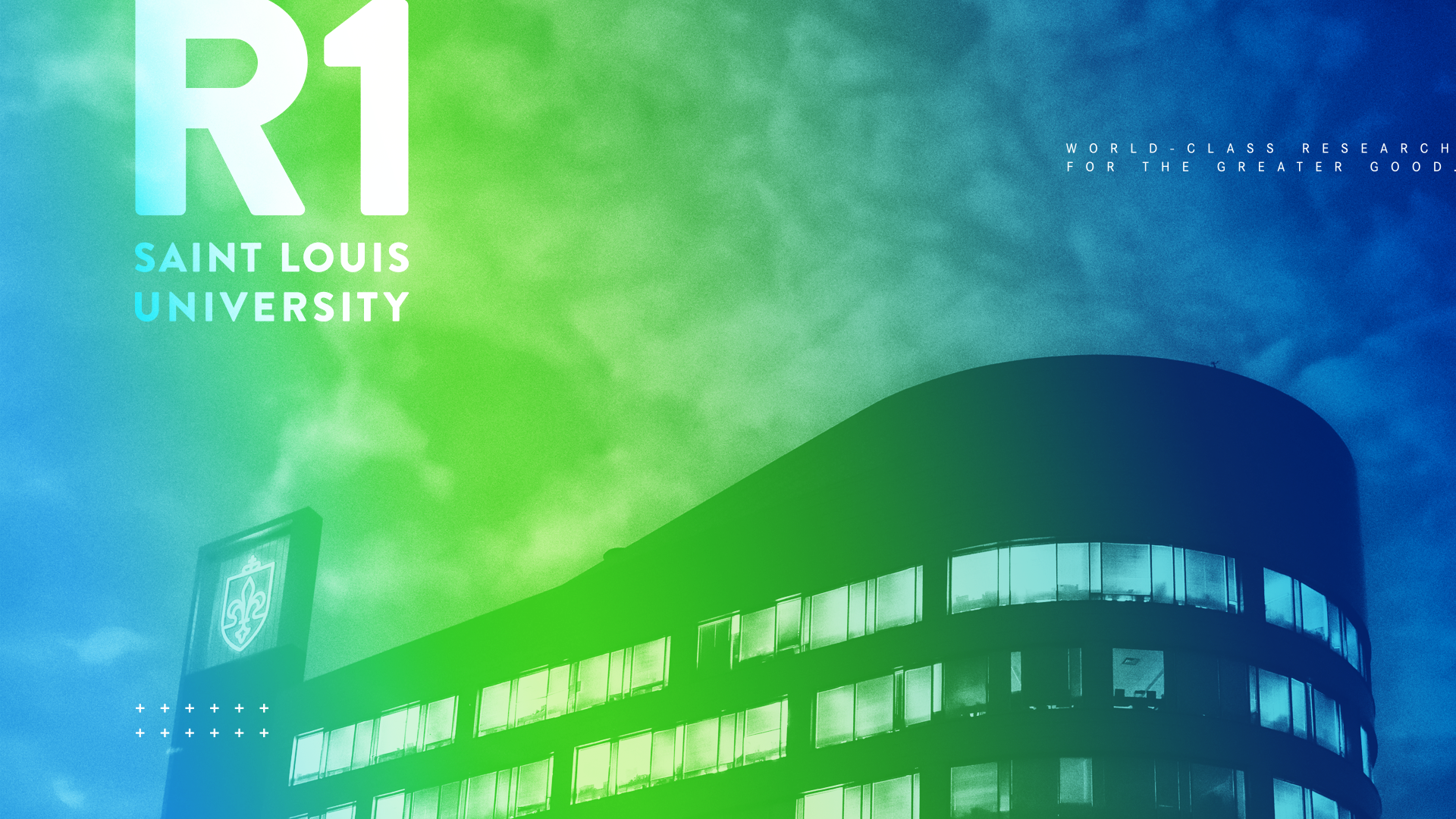
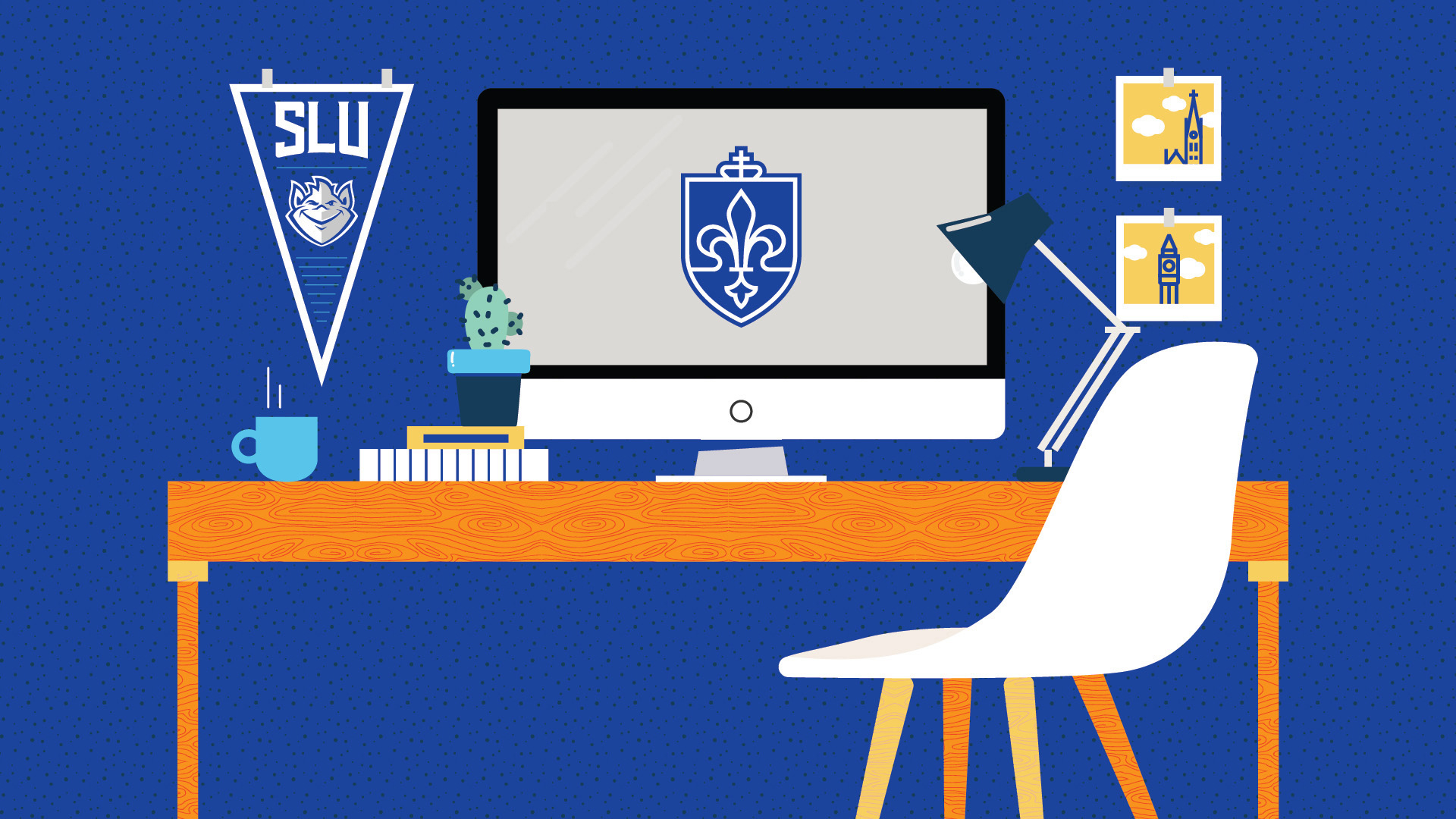
Want to impress your colleagues, rock the Zoom meeting and show off your SLU spirit at the same time? You can do so by customizing your Zoom virtual background.
Click a thumbnail for a higher resolution image. Right-click the larger image to download it and import it into Zoom. More details are available on the Zoom support site.
SLU is now an R1 Research Institution
| noscroll | |
 |
 |
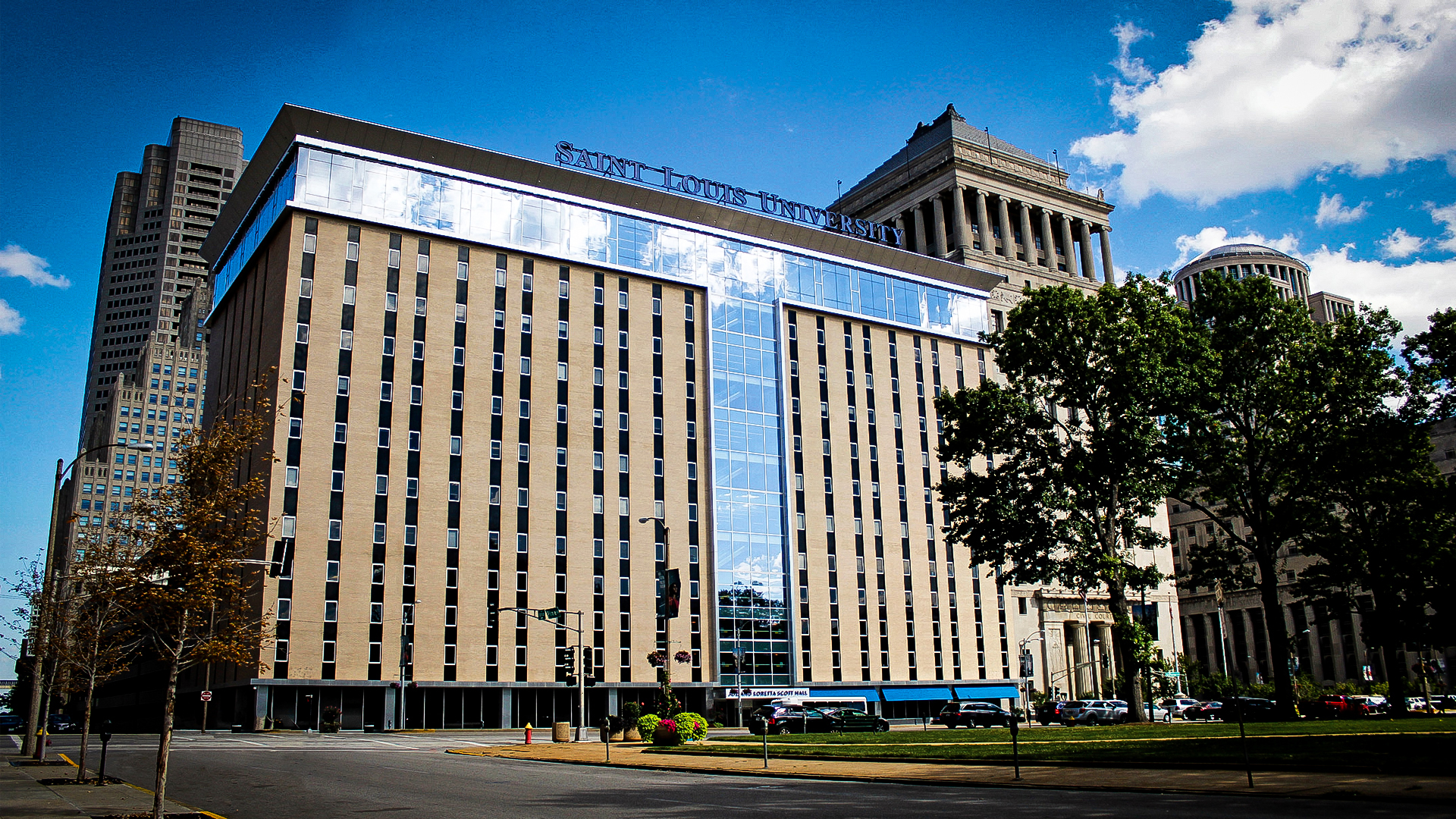
Scenes from St. Louis
| noscroll | ||
 |
 |
 |
 |
 |
 |
 |
 |
 |
 |
 |
 |
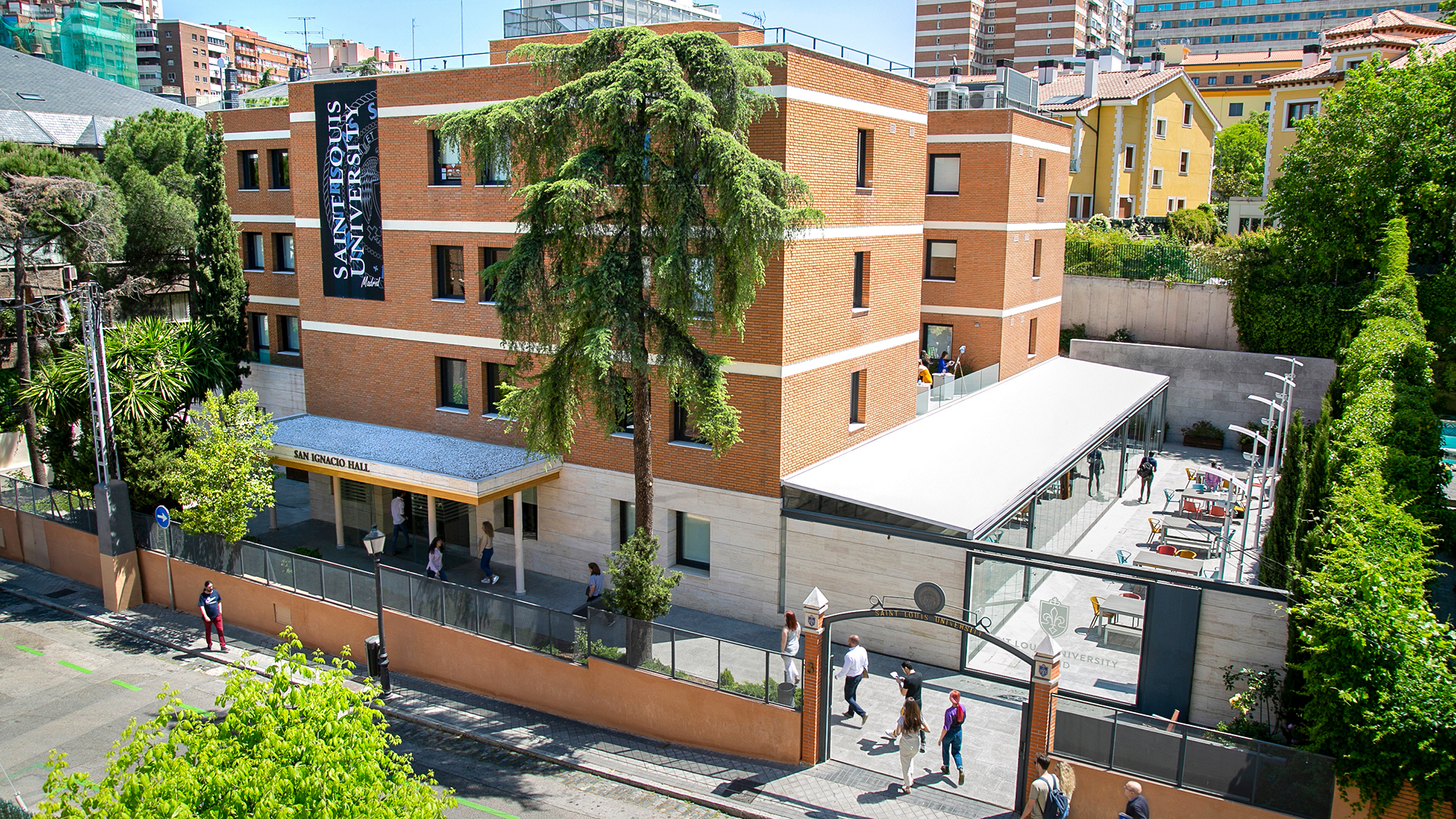
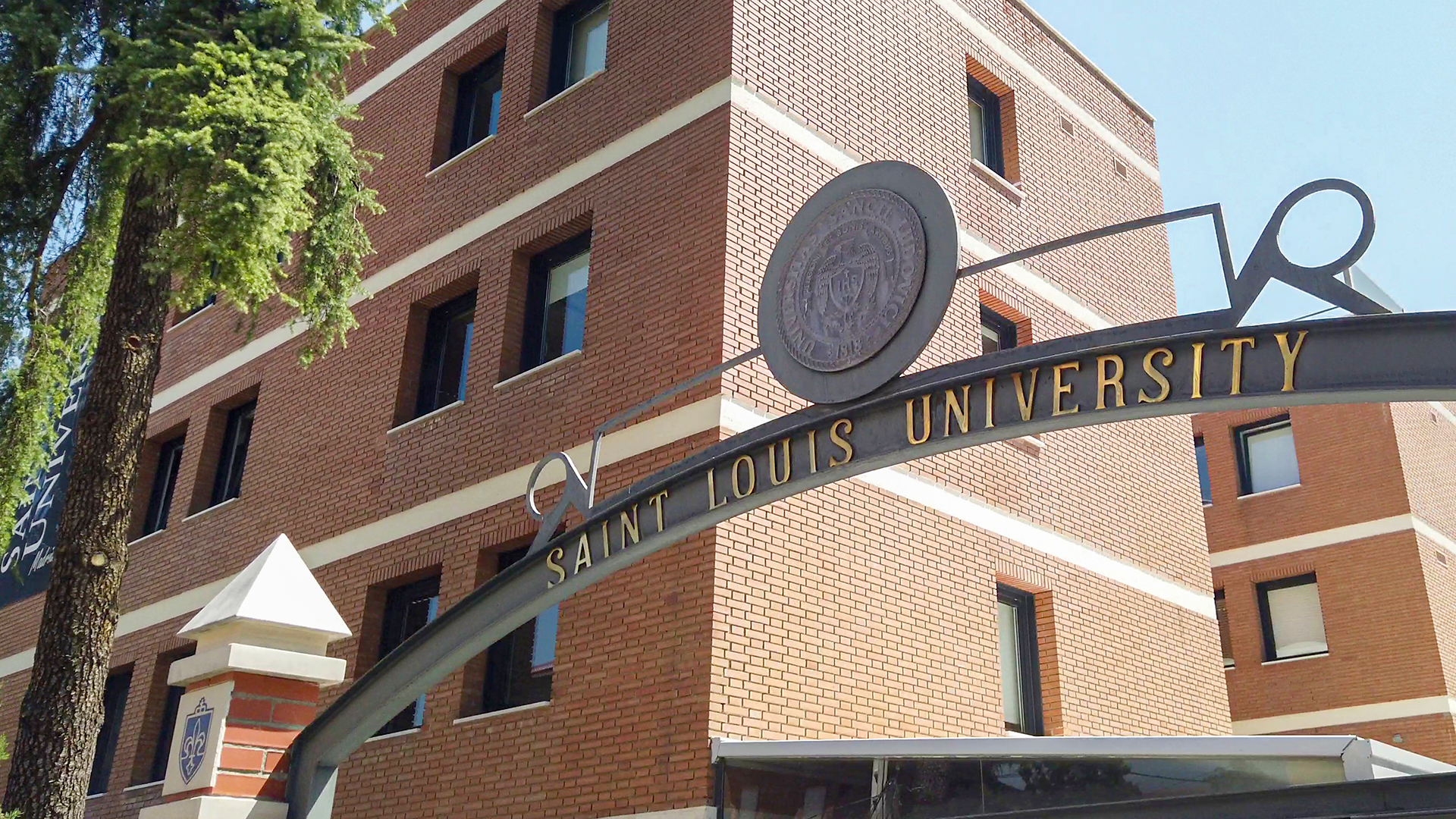
Scenes from Madrid
| noscroll | ||
 |
 |
 |
 |
 |
|
Scenes from Athletics
| noscroll | ||
 |
 |
 |