


Admitted Students Next Steps
To help you transition to college life, Saint Louis University's ITS division has created several checklists and program-by-program recommendations for laptops and other technology you'll need at SLU.

We’re Here to Help
General questions? Contact your admission counselor, or email us at admission@slu.edu
Trouble Accessing your mySLU account? Chat with ITS (AskSLU).
Issues accessing Payment Suite? If you're in your mySLU account and unable to make a payment, email stdaccts@slu.edu.Contact admission@slu.eduWelcome to Saint Louis University

Congratulations! You're on your way to becoming a Billiken.
If you'll be attending our main campus in St. Louis, Missouri, read on. If you'll be attending SLU-Madrid, review information for our students in Spain.
What’s Next?
Complete your list of to-dos.
Deposit Online by May 1
- Log in to your Billiken Gateway portal and complete your admission offer form.
- Submit your $500 enrollment deposit online.
This deposit (known as a "confirmation fee" at SLU-Madrid) secures your place in the freshman class and should be submitted once you've decided to attend SLU. If you change your mind, you'll forfeit the deposit.
SLU recently launched the Billiken Gateway Family portal, a space where your family can follow your next steps to becoming a Billiken. Through the portal, they can view your application status, update their account details, see your next steps checklist and submit payment for your enrollment deposit. Be sure to invite your parent or guardian to get them connected.
What you need to do:
- Log in to your Billiken Gateway portal.
- Click on "Relationship Management" under Account Tools.
- Add a "new relationship" or edit an existing one.
- Make sure Billiken Gateway Family access is set to active.
- Use the "Send Invitation" button in the portal to email your parent or guardian their access link.
The mySLU portal is your comprehensive online resource. As a new Billiken, you'll use it to enroll in courses, apply for housing, check your SLU email, view billing information and more.
- Find your SLU Net ID, which is located in your Billiken Gateway portal under "My Application Info" on the right side of your screen.
- Activate your SLU Net ID and password by following these step-by-step instructions. 1818 students: If you've previously logged in to mySLU or paid for classes, use the same password.
Need help? Contact ITS at 314-977-4000 or ask@slu.edu.
Log in to mySLU
Check out You at SLU, with real stories from real SLU students about what it’s like to live, learn and launch your future at Saint Louis University.
- Take a quiz.
- Explore student stories.
- Watch videos.
- Schedule a student-to-student chat.
- Listen to a student-made playlist.
Use this college social app to connect with incoming students.
- Find potential roommates.
- Attend exclusive live events.
- Chat with a current student.
Housing contracts open Feb. 2 and can be accessed via mySLU after your enrollment deposit is processed (24-48 hours). Your housing assignment
will be based on your submission date.
Interested in connecting with students who share your specific interests and values?
Consider joining a SLU Learning Community or Theme Housing Community.
Explore campus housing
Your Free Application for Federal Student Aid (FAFSA) determines your eligibility for state and federal grants and loans.
- Use SLU's FAFSA school code: 002506.
- File by Feb. 1 for priority consideration.
- Read SLU's FAFSA FAQs.
Did you apply to SLU with a high school email address? Log into your Billiken Gateway
portal to update your email address.
You'll want to eventually start checking your @slu.edu address for important updates
and reminders.
SLU's placement process ensures you start your first semester in the appropriate classes.
After your enrollment deposit is processed (24-48 hours), complete your test(s) as
soon as possible. The University will use your scores and survey results to create
your first-semester schedule.
Learn more about course placement
The SLU 101 summer orientation program will help you start your first semester feeling
informed and connected.
What To Expect
- Student connection
- Essential resources
- Opportunities to get involved
- Key spots on campus
- Course schedules
To ensure a smooth move-in and start to the semester, please complete the following financial and billing steps as soon as possible.
- Accept or decline your financial aid awards in your mySLU portal. Detailed instructions are available on the Financial Aid website.
- Submit any outstanding financial aid documents through the Financial Aid Dashboard in your mySLU portal. Unsatisfied requirements will appear under the “Home” tab for the appropriate aid year.
- If you have accepted a Federal Direct Loan, complete both:
- Master Promissory Note (MPN)
- Loan Entrance Counseling through studentaid.gov.
- If you plan to use additional student or parent loans to cover remaining costs, apply by July 1 (or as soon as possible afterward) to allow time for processing.
- Search for campus and off-campus employment opportunities through Handshake in your mySLU portal.
- Review the Payment Suite app in your mySLU portal to:
- Add authorized users, such as parents or guardians
- Set up direct deposit for electronic refunds
- Review your billing statement and select your payment arrangements
Important Deadline
Payment arrangements must be completed by:
- Aug. 14, 2026, for residential students
- Aug, 19, 2026, for commuter students
Students who do not complete payment arrangements by these deadlines may experience delays with move-in and/or registration for future terms.
Visit Paying Your Bill for payment deadlines and billing information for future semesters.
You'll use your SLU ID to access locations and services around campus, including buildings,
parking, meal plans and printing. Check your SLU email for information on how to submit
your photo online.
View SLU ID photo guidelines
Required Records
Submit your required immunization and screening records to SLU's vaccine portal before
the Aug. 1 deadline.
See requirement details
Health Insurance
Enroll in SLU's University Health Plan or provide proof of private insurance by submitting SLU's health insurance waiver. Registration opens July 1.
Questions? Contact the SLU Student Health Center at SHC@health.slu.edu.
Submit your final, official high school and/or college transcript(s) by Aug. 1.
Submission Options
- Drop off in person at DuBourg Hall, Room 119
- Mail to SLU's Office of Admission, 221 N. Grand Blvd. Room 149, St. Louis, MO 63103
- Have your high school counselor send it to SLU using a secure electronic submission system.
Bring your questions and curiosity to one of our visit options for admitted students.
Meet current students, explore campus and get the information you need.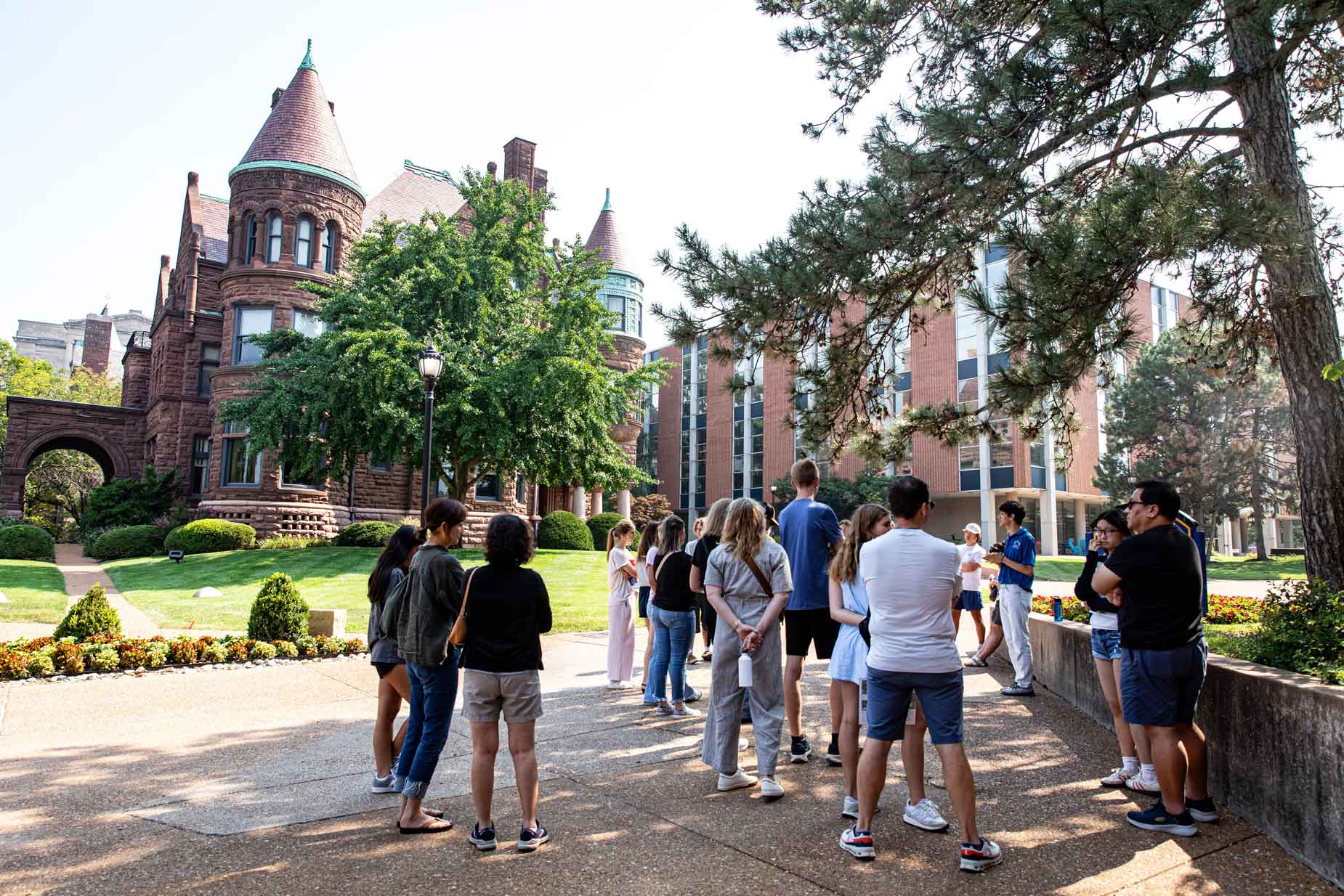
Campus Tours and Admitted Student Events
Why Choose SLU?
Explore some of the unique opportunities that await you as a new Billiken and get ready for college life.

How Does SLU Stand Out?
Our best-value education offers affordability, real-world EXPeriential learning, global immersion and wellness initiatives.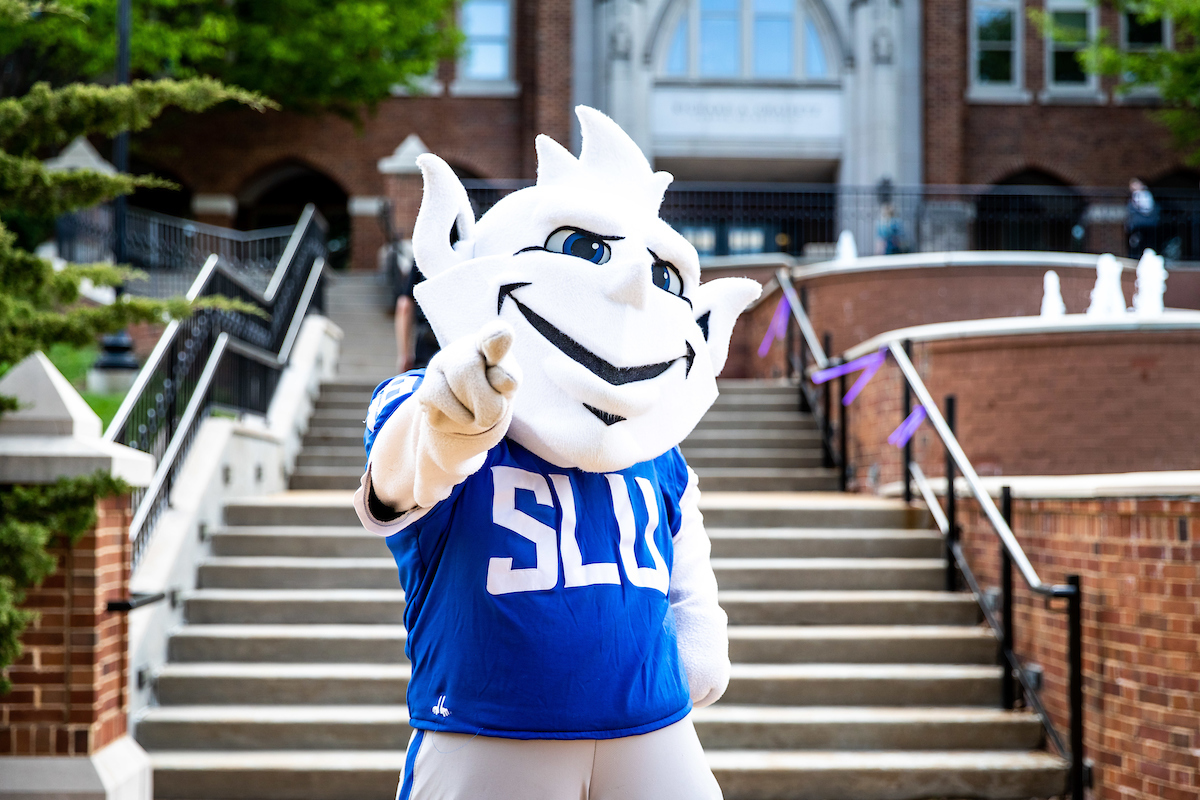
What Is the First-Year Experience?
SLU 101 Orientation and Fall Welcome are the first events that kick off your first-year experience. Find resources to support you all through your first year at SLU — and beyond.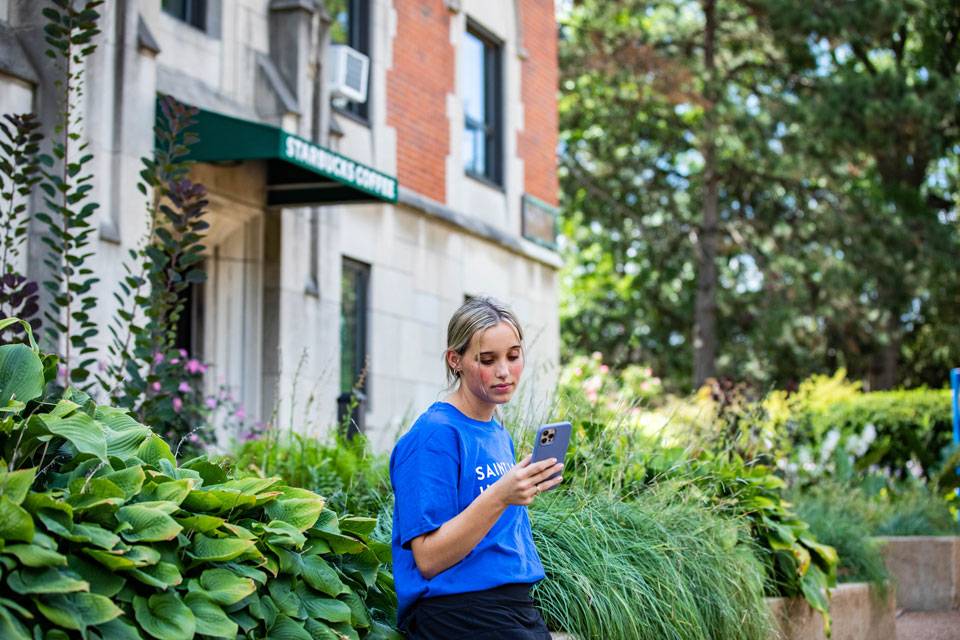
What’s Next on Your Checklist?
Follow us on Instagram to learn more about life at SLU, enrollment updates and what steps you need to take to become a Billiken.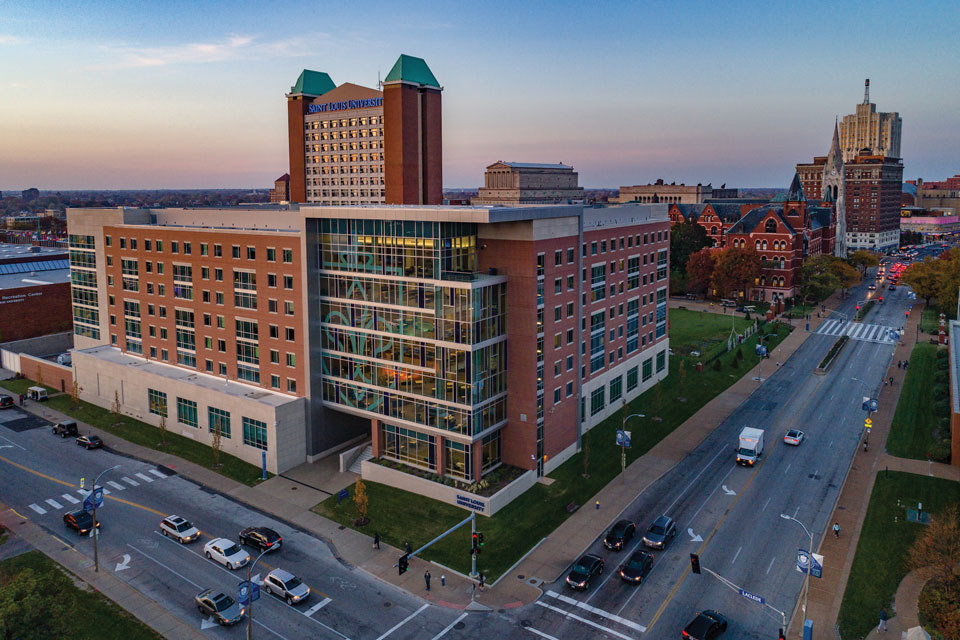
Where Will You Live?
Each of SLU's residence halls offers a unique experience. Watch video tours and navigate 360-degree views inside every living space on campus.
What Organizations Will You Join?
SLU's campus is rich with opportunities to get involved. Explore ways to become more complete, more balanced, more you.
When Is Move-in?
Freshman move-in dates will be announced soon but that's only the beginning. Find everything you need to know about your first days on campus.
Experience St. Louis
SLU’s Midtown campus is steps away from some of the best food, culture and green space in the city. From Forest Park to festivals to pro sports, explore why students love calling St. Louis home.
Discover Jesuit Education
Rooted in our Catholic, Jesuit values, a SLU education is about more than academics — it’s about finding purpose, serving others and becoming your best self.
International Students
You have a few additional steps.